
The Update module allows administrators to check for and install the latest updates for the IP-PBX system. Regular updates help improve system performance, enhance security, and provide access to new features and improvements.
This module also displays details of available updates along with their change logs, allowing administrators to review changes before updating the system.
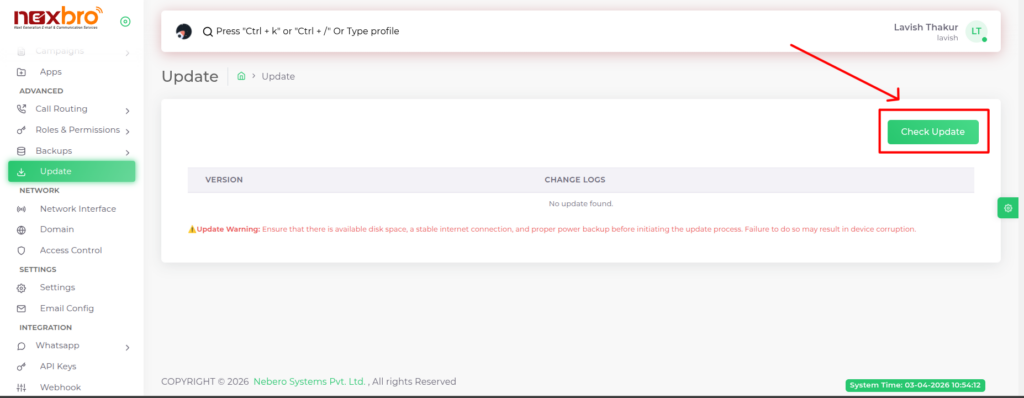
Update Warning
Before initiating the update process, the system displays an important warning message to ensure a safe update procedure.
Note the following precautions:
- Ensure sufficient disk space is available
- Maintain a stable internet connection
- Ensure proper power backup during the update process
Failure to meet these conditions may result in system errors or device corruption.
The admin can use this module to:
- Check for the latest system updates
- Review update details and change logs
- Keep the system secure and up to date
- Avoid potential issues by following update precautions
It is recommended to regularly check for updates and apply them in a controlled environment.
