
The Agent Breaks module allows the admin to define and manage different types of breaks for agents within the system. These breaks help in tracking agent availability and managing workforce efficiency during working hours.
This module provides a list of all configured break types along with their duration and classification.
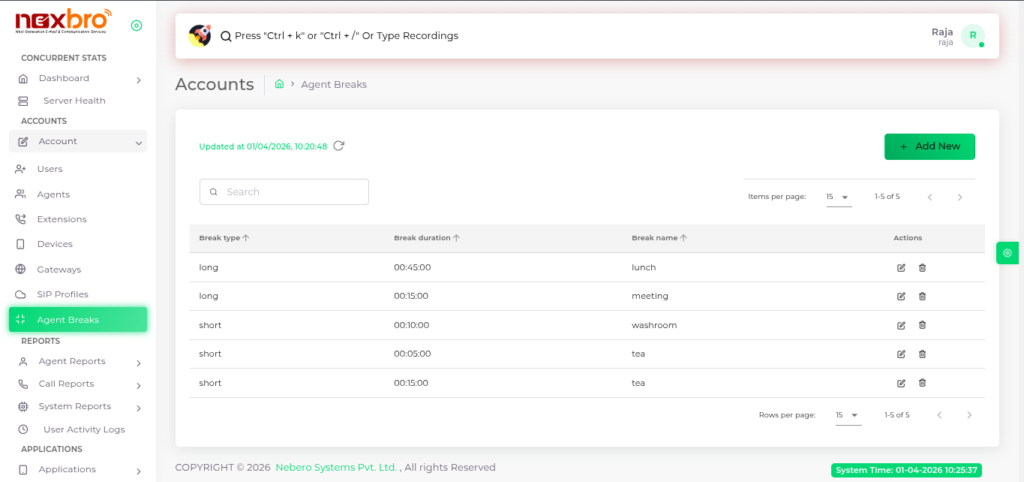
Add New Break
The admin can create a new break by clicking on “Add New”.
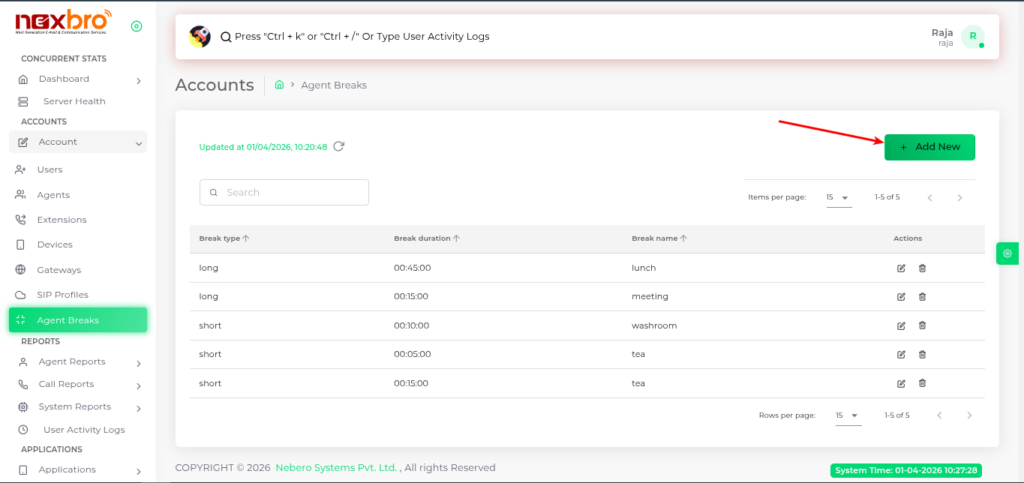
Here, the following details need to be filled:
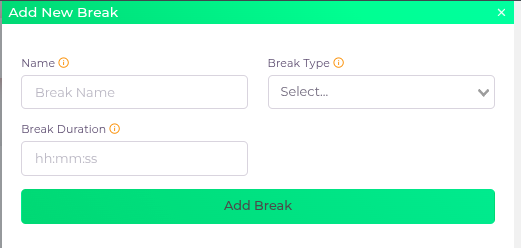
Click the “Add Break” button to create the break.
| Fields Name | Description | Example |
| Name | The name of the break, which is displayed to the agents | |
| Break Type | The type of break, whether it should be long or short | |
| Break Duration | The duration of the specified break, typically in HH:MM format |
