
The WhatsApp Instant Messages module allows the admin to create and manage predefined message templates that can be sent via WhatsApp. These templates help in quick communication with customers by using ready-made messages for greetings, notifications, promotions, or updates.
This module improves efficiency by reducing manual typing and ensuring consistent communication.
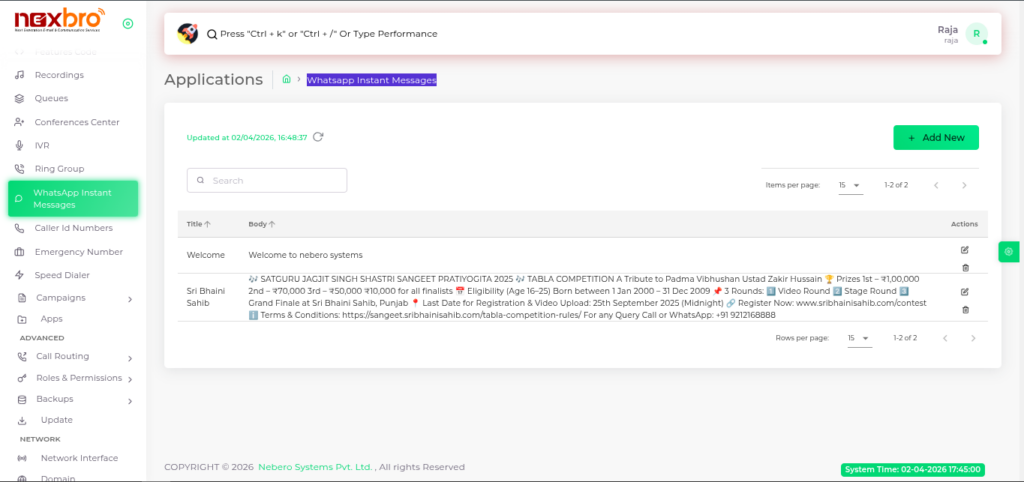
This screen displays the list of all created WhatsApp message templates.
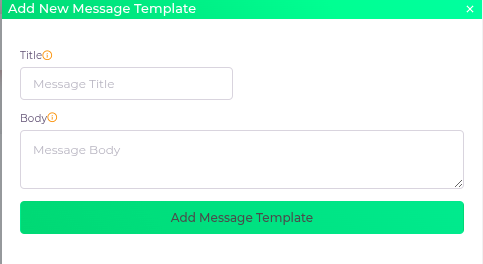
This screen is used to create or update a WhatsApp message template.
The following details need to be configured:
| Fields Name | Description | Example |
| Title | The title of the WhatsApp message template, shown in the dropdown list. | |
| Body | The body of the WhatsApp message template. This is the actual message text that will be sent to the customer |
