
This screen allows you to view call records based on selected campaigns using filters. You can specify conditions and retrieve relevant call data for analysis. The search option helps generate filtered results quickly. It is mainly used for tracking and reviewing campaign performance.
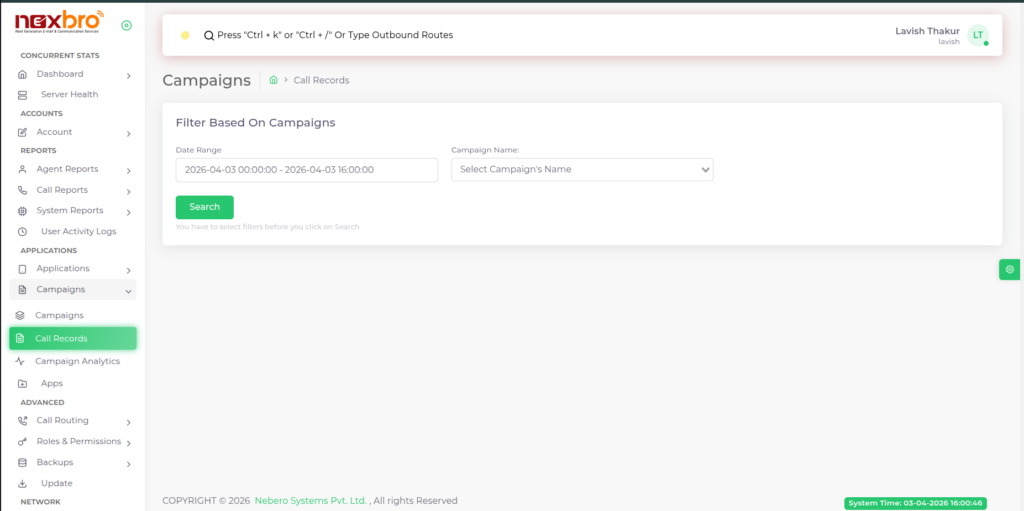
Campaign Name: Select a specific campaign to view its related call records.
Data Range: Used to define the start and end values (data/time window) for filtering call records, helping you analyze campaign data within a selected range.
