
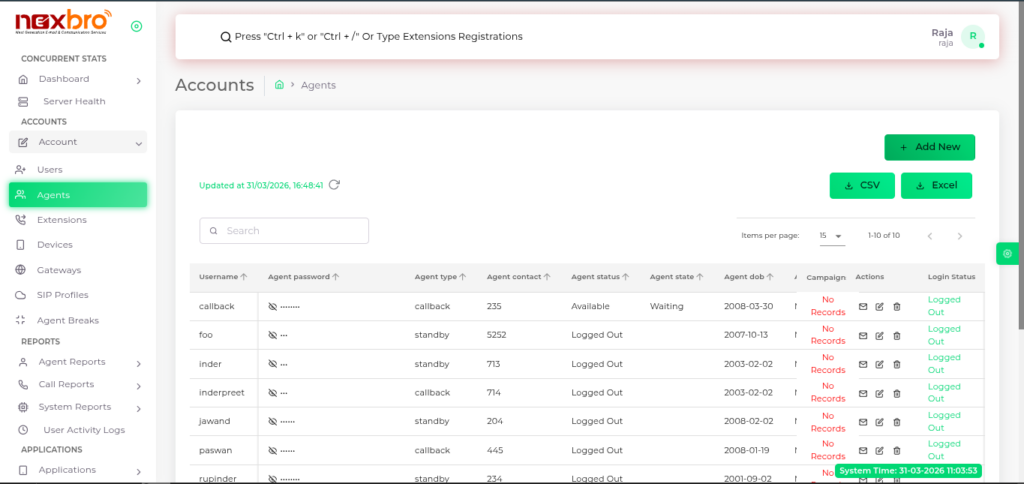
The list of all agents gets displayed here, along with other details. Agents are
individuals who handle incoming, outgoing calls on behalf of an organization.
They are responsible for providing customer service, answering queries, resolving
issues, and so on.
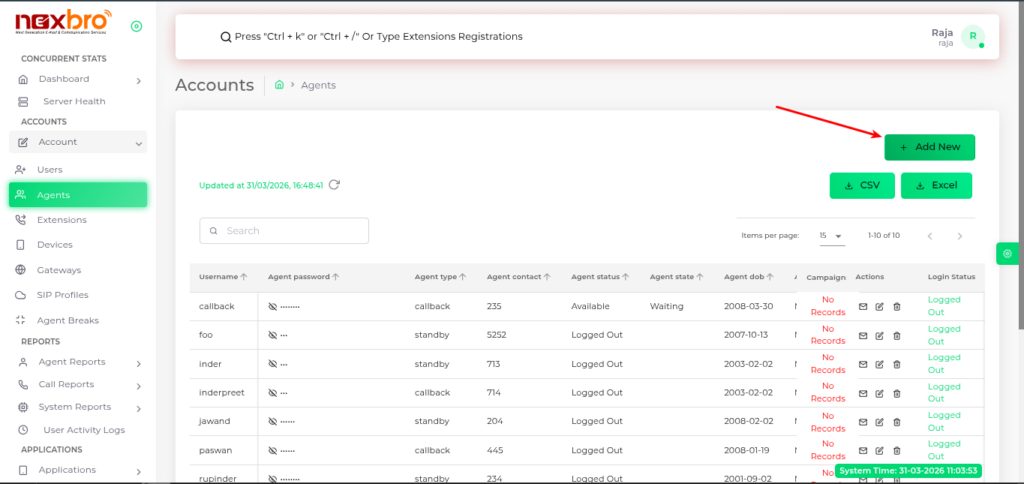
The admin can create accounts for new agents by clicking “Add new.
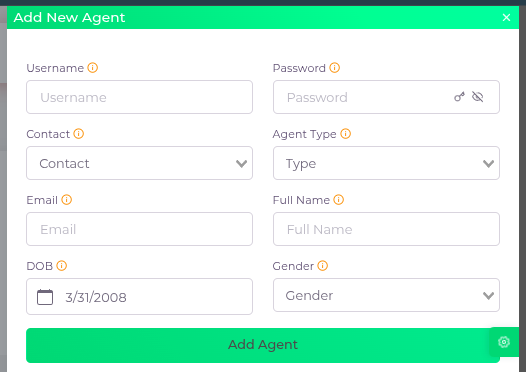
Here, the following details need to be filled:
| Fields Name | Description | Example |
| Username | The agent’s username, which is used to log in to the agent panel. | |
| Password | A password to log the agent into the agent panel. Its length should be a minimum of 3 characters | |
| Contact | A dropdown to select which extension should be used to contact the agent | |
| Agent Type | The type of agent | |
| The agent’s email | ||
| Full Name | The full name of the agent, useful in agent monitoring | |
| DOB | The agent’s date of birth | |
| Gender | The agent’s gender |
